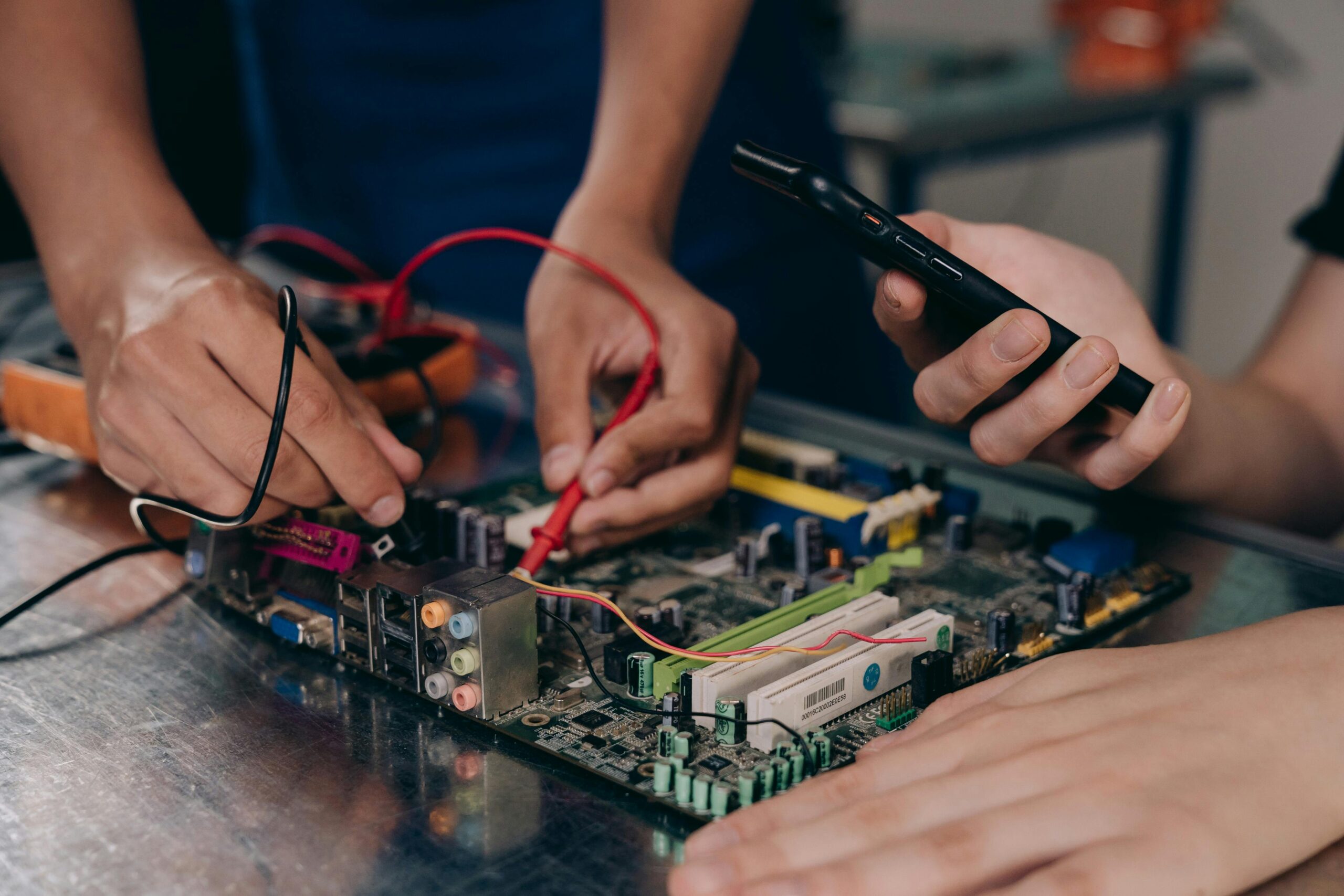
It’s sitting on your desk or in your lap right now. On the surface, everything seems fine — the screen lights up, your apps run, and you keep typing away. But beneath the polished glass and metal, your computer might be quietly begging for help.
Unlike humans, computers don’t shout when something’s wrong. They don’t wave their arms or send an urgent text. They communicate distress in subtler ways — a strange whirring sound, an uncharacteristic lag, a faint smell, or a screen freeze you shrug off as “just a glitch.”
Ignore these whispers long enough, and they’ll turn into costly screams.
The Quiet Clues You’re Missing
Computers have their own language for signaling trouble, and most of it is easy to miss if you’re not paying attention.
1. Unusual Noises
Fans that sound like jet engines. Hard drives that click. Coils that buzz faintly. These aren’t quirks — they’re symptoms. A grinding fan could mean overheating. Clicking from a hard drive often precedes total failure.
2. Slow Performance
When your once-speedy machine starts crawling, it’s not always because “it’s just getting old.” Sluggish performance can point to failing storage, insufficient RAM, malware infections, or even a CPU struggling under excessive heat.
3. Frequent Freezes or Crashes
A frozen screen or a sudden restart isn’t random. It’s your computer’s equivalent of passing out from stress. This could be triggered by overheating, faulty hardware, corrupted files, or outdated drivers.
4. Overheating You Can Feel
If the underside of your laptop feels hot enough to fry an egg, that’s not normal. Consistently high temperatures shorten component life, warp internal parts, and cause thermal throttling — slowing down your system to prevent damage.
5. Strange Smells
Burning plastic or a faint electrical scent should never be ignored. It could mean a failing power supply, overheating components, or dust buildup cooking on hot surfaces.
6. Warning Messages You Ignore
Those pop-up alerts about low disk space, outdated security software, or unrecognized devices? They’re not just annoying notifications — they’re calls for attention.
Why Computers Stay “Silent” Until It’s Too Late
Computers are designed to keep functioning for as long as possible, even under stress. That’s great for productivity but bad for early intervention. By the time obvious signs like constant crashes or total failure appear, the problem has usually been brewing for weeks or months.
The “silent scream” is your computer running hot, working harder than it should, and quietly degrading while you assume everything’s fine.
What Happens If You Keep Ignoring It
Let’s be clear: computers don’t heal themselves. If you ignore the warning signs, you’re setting yourself up for:
- Data loss from sudden hard drive failure.
- Permanent damage to the CPU, GPU, or motherboard from heat stress.
- Security breaches if malware remains undetected.
- Costly repairs or total replacement that could have been avoided.
The worst part? Most of these issues are preventable with basic maintenance.
How to Listen When Your Computer “Speaks”
You don’t need to be a tech genius to notice when your system is in distress. You just need to develop awareness and a few good habits.
1. Keep It Cool
- Use your laptop on a hard surface to improve airflow.
- Clean dust from vents and fans every few months.
- Consider a cooling pad or external fan for heavy workloads.
2. Monitor System Health
Install monitoring software to keep an eye on CPU temperature, storage health, and memory usage. Many are free and easy to use.
3. Update Regularly
Outdated operating systems, drivers, and apps can cause instability and security risks. Enable automatic updates where possible.
4. Scan for Malware
Run antivirus scans regularly, and don’t ignore suspicious slowdowns or excessive pop-ups.
5. Back Up Your Data
If your hard drive does fail, a backup is the difference between inconvenience and disaster. Use both cloud storage and external drives for redundancy.
6. Respond to Changes
If your computer suddenly starts making new noises, running hotter, or behaving differently, don’t wait to “see if it goes away.” Investigate immediately.
The Emotional Side of Ignoring the Signs
Many people delay computer maintenance for the same reasons they delay doctor visits: time, cost, and denial. “It’s probably nothing,” we tell ourselves, until it’s something big.
But here’s the truth — your computer is one of the most important tools you own. It’s your connection to work, creativity, and communication. Treating it with care isn’t indulgent; it’s essential.
A Real-World Example
Consider Sarah, a freelance designer. Her laptop had been running hot and making a soft clicking noise for weeks, but deadlines kept her from addressing it. One morning, the screen froze mid-project, and the hard drive never spun up again. She lost three months of client work and spent two weeks recovering files — not to mention hundreds of dollars replacing the drive.
All of it could have been avoided if she’d listened to the early signs.
The Takeaway
Your computer doesn’t have a voice, but it has a language — one made of heat, speed, sound, and performance changes. If you learn to recognize it, you can fix small issues before they become catastrophic ones.
So the next time your machine hesitates, overheats, or hums differently, don’t brush it off. That’s not random behavior. That’s your computer’s way of saying, “I need help.”
Listen before the whisper becomes a scream you can’t ignore.